
 Created By A Nutritionist
Your AI Nutrition Coach,
One Photo Away.
Away.
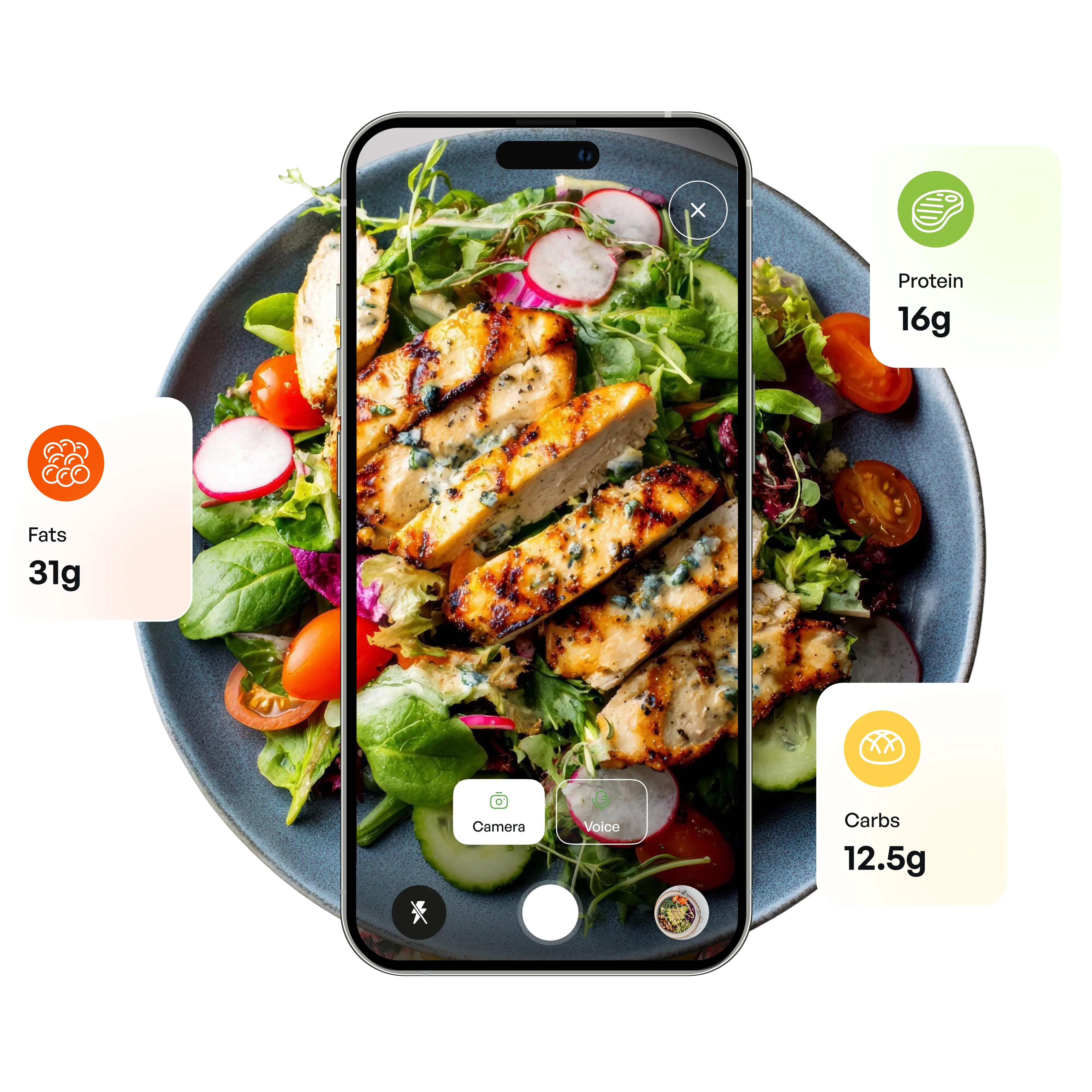
Snap a meal, discover its nutritional value, and stay on track with personalized
calorie and macro tracking.




How SwissDiet Works
Achieving your nutrition goals is simple. Just scan, track, and let SwissDiet guide you
toward healthier habits every day.
Scan Food
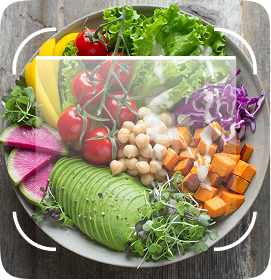
Take a quick picture of your plate.

AI Detects
Our model identifies ingredients instantly.
Track Calories
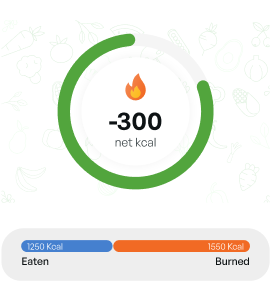
Stats are automatically added to your log.
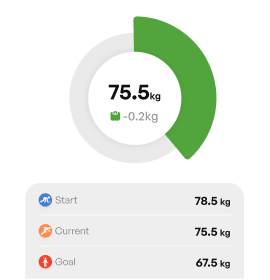
Monitor Progress
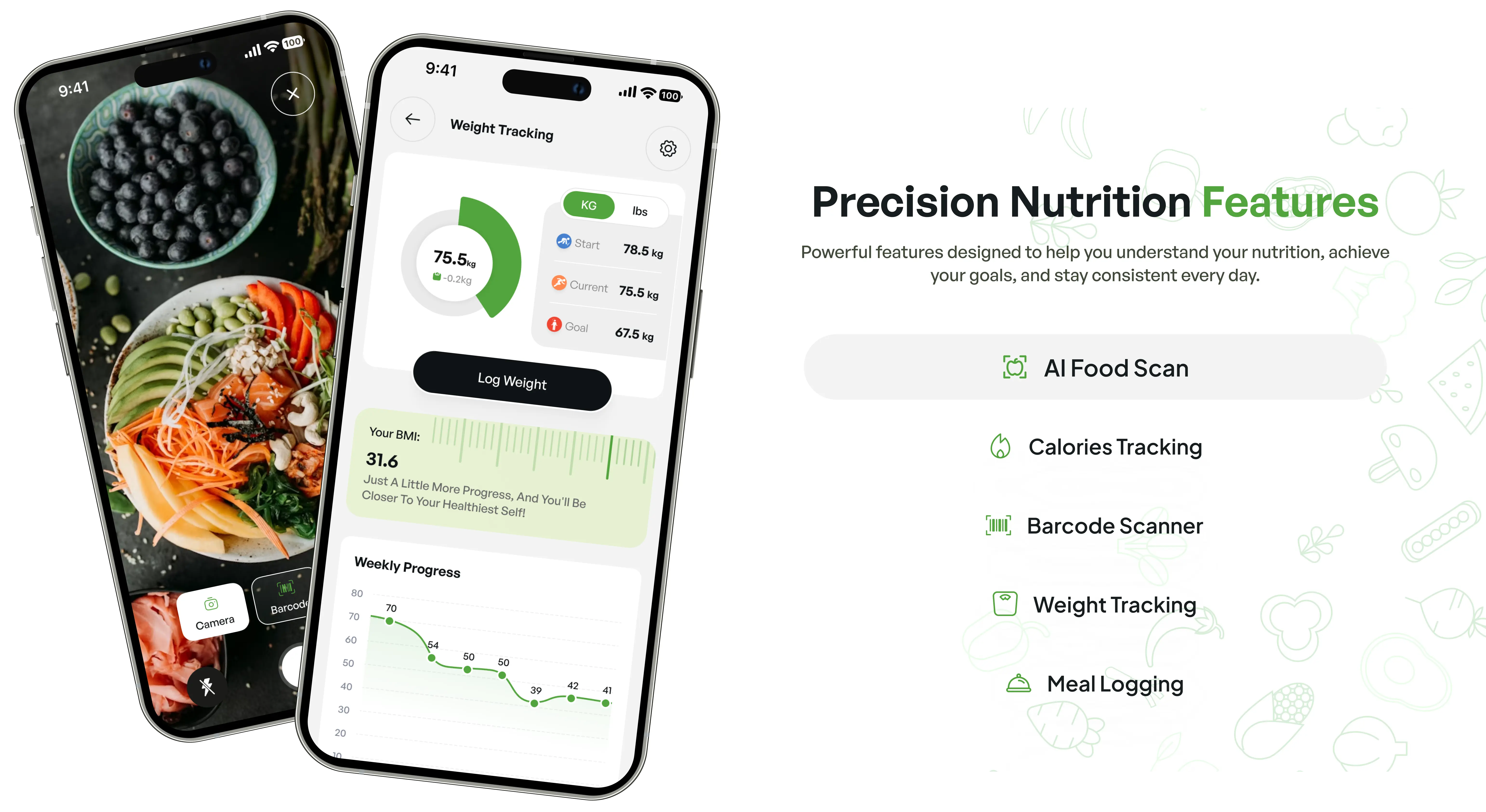
See your weight and macro trends over time.

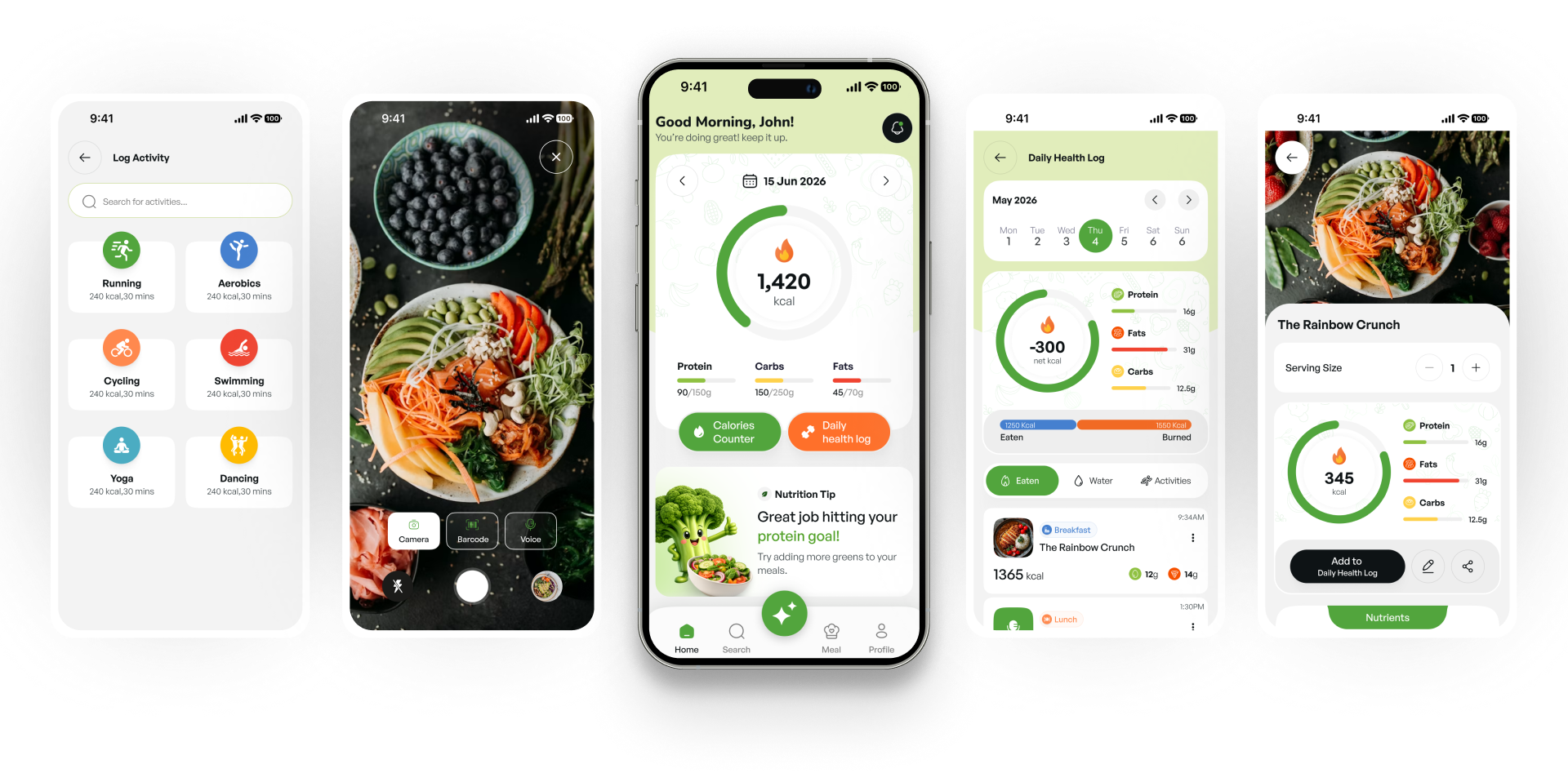
Take a Look at SwissDiet
Explore the intuitive screens that make tracking calories, nutrition, and healthy habits
simple, smart, and enjoyable.
Fuel Your Goals With
Flexible Nutrition Plans
Flexible plans tailored to your wellness journey, whether you're just starting or optimizing
your nutrition.
Swiss Diet Free
What's Included
- Smart Analytics & Home Insights
- Water Intake Tracking
- Weight and BMI Tracking
Swiss Diet's Monthly
What's Included
- Calorie Tracking
- Meal Logging
- Activity Tracking
- Personalized Meal Recommendations
- Food Search & Manual Entry
Swiss Diet's 3 Month's
What's Included
- Calorie Tracking
- Meal Logging
- Activity Tracking
- Personalized Meal Recommendations
- Food Search & Manual Entry
Swiss Diet's Yearly
What's Included
- Calorie Tracking
- Meal Logging
- Activity Tracking
- Personalized Meal Recommendations
- Food Search & Manual Entry

Common Questions
Everything you need to know about our services to get started.
How do I restore my Premium membership on a new device?
Sign in with the same account you used to subscribe, then go to Profile → Subscription Plan and tap Restore purchases. SwissDiet checks your purchase history with the App Store or Google Play and reactivates Premium automatically, no need to pay again.
Do I need to sign up to use SwissDiet?
Yes. Creating an account with an email and password keeps your plan, meal logs, and progress synced securely across every device you use. There's currently no guest mode.
How do I delete my account?
Open Profile → Delete Account and confirm when asked. Your account and all associated data are permanently removed and you're signed out immediately. This can't be undone, so make sure you're ready before confirming.
How can I turn off auto-renewal or cancel my subscription?
Go to Profile → My Subscriptions → Cancel Subscription. You'll be taken to your Apple ID or Google Play subscription settings, since that's where auto-renewal lives. SwissDiet subscriptions are billed and managed through the App Store or Play Store, not inside the app itself.
What does the free version include compared to the Premium version?
Premium unlocks the parts of SwissDiet that do the real work: logging meals, AI photo calorie analysis, mood tracking, food search, activity logging, and your personalized nutrition plan.Every new account starts with a free trial, so you can try these before you subscribe.
How do I check if I'm SwissDiet Premium or Free?
Open the Profile tab. Near the top you'll see either Premium activated or Upgrade to premium. If you're subscribed, My Subscriptions also shows your current plan and next renewal date.
How do I purchase the Premium membership?
Go to Profile → Subscription Plan and choose monthly, 3-month, or yearly. Pricing is shown live from the App Store or Google Play. Confirm with Apple Pay or Google Pay and Premium activates immediately.
Can I use the app if I have allergies or follow a specific diet?
Yes. When you set up your profile, you'll flag any allergies (peanuts, tree nuts, dairy, eggs, gluten, fish, soy, sesame, or your own) and choose a food preference: classic, vegetarian, vegan, keto, or non-vegetarian. SwissDiet uses both to shape your plan and recommendations going forward.
How is my personal health data protected?
Your health data is stored under your own account and transmitted over encrypted connections between the app and our servers. We don't sell your personal or health data to third parties.
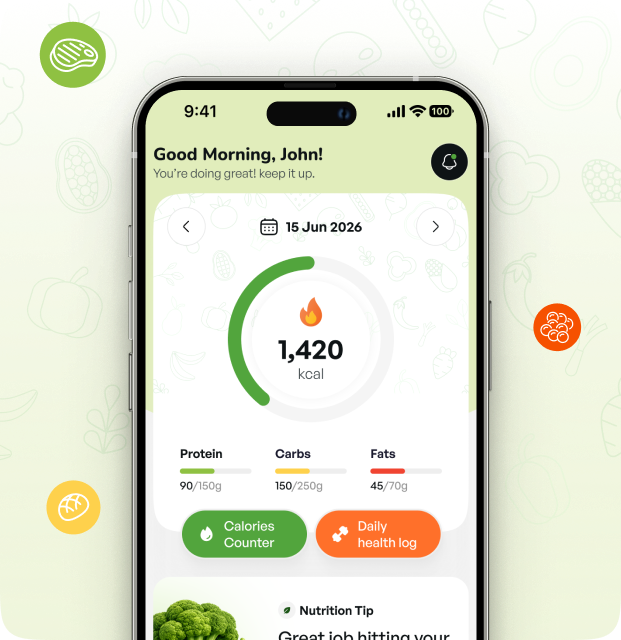
Ready To Reach Your FitnessGoals?
Join SwissDiet and take the first step toward a healthier lifestyle.